Many retailers exploring 3D product visualization often say the same thing:
“We already have 3D models from our manufacturer. Can’t you just use those?”
At first glance, this sounds logical. If the product already has a digital model, why create a new one?
But in most cases, the answer is no — at least not without major work.
The reason is simple:
CAD files are built for engineering and manufacturing, not for online shopping.
While they are extremely accurate for production, they usually don’t work well for e-commerce product visualization.
What CAD Files Are Actually Designed For
CAD (Computer-Aided Design) models are created during the engineering and manufacturing process.
Their purpose is to ensure the product can be built correctly in the real world.
These files focus on:
✔ Manufacturing precision
✔ Engineering tolerances
✔ Assembly instructions
✔ 3D printing or CNC machining
✔ Internal product development
CAD models can measure details with microscopic accuracy.
For engineers and manufacturers, this level of precision is essential.
But when it comes to online retail, customers care about something completely different.
What Online Shoppers Actually Want to See
When customers visit an e-commerce store, they are not thinking about engineering measurements.
Instead, they want to visualize the product clearly before buying it.
What matters most is the visual experience.
Shoppers expect to see:
• Realistic materials and surfaces
• Accurate colors and textures
• Natural lighting and reflections
• Products placed in real environments
• Smooth interaction on mobile and web
In other words:
Customers care about how the product looks — not how precisely it was engineered.
They don’t care if the model is accurate to 0.0001 mm.
They care if the product looks real and trustworthy.
The Problem With Using CAD Files in e-Commerce
When retailers send us “existing 3D models,” 9 out of 10 times they are CAD files.
Unfortunately, these files usually create several problems when used for product visualization or online stores.
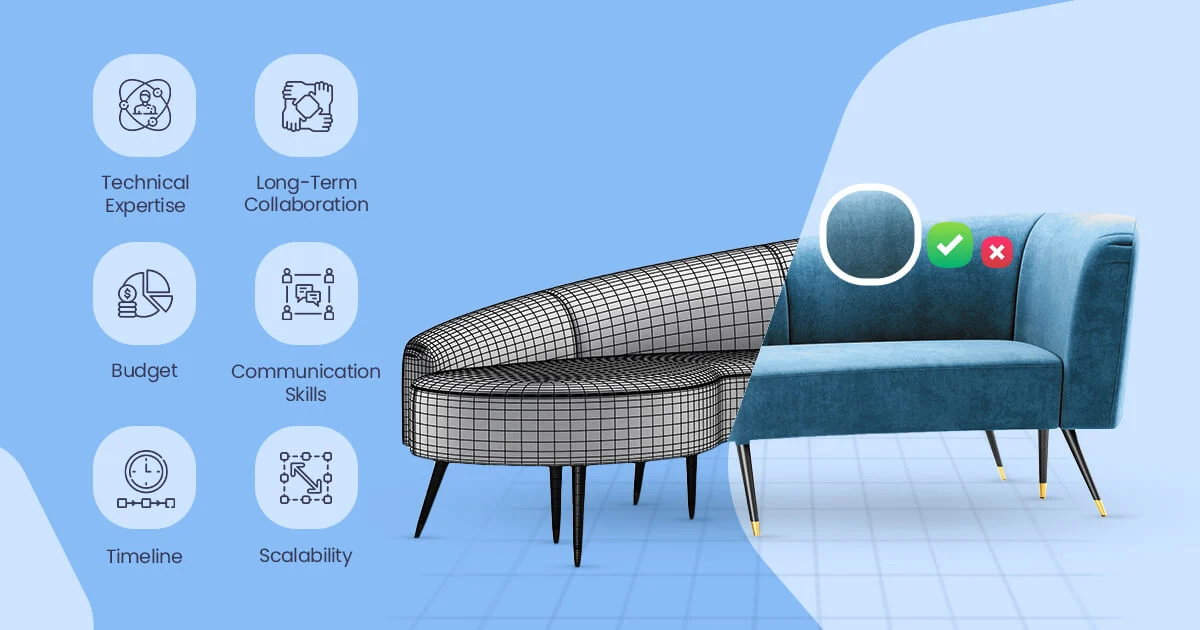
1. Heavy Manual Rework Is Required
CAD files cannot be used directly in rendering engines or web viewers.
They usually need to be:
Simplified
Rebuilt
UV unwrapped
Optimized for rendering
This process takes time because the model structure in CAD software is completely different from what visualization tools need.
2. CAD Models Look Visually Flat
Another major issue is visual realism.
CAD files normally do not include:
Texture mapping
Realistic materials
Surface details
Proper lighting setups
Because of this, the models appear flat, gray, and unrealistic, which makes them unsuitable for marketing visuals or product pages.
For online shoppers, this lack of realism can reduce trust and lower conversion rates.
3. Performance Problems on Websites
CAD models are typically extremely heavy files.
They contain far more geometric detail than needed for visual presentation.
This creates serious issues for:
Website loading speed
3D product viewers
AR experiences
Mobile performance
Slow loading pages can damage both user experience and SEO performance.
CAD Files vs E-Commerce 3D Models
Here’s a simple comparison that explains the difference:
| Feature | CAD Files | E-Commerce 3D Models |
|---|---|---|
| Main Purpose | Engineering and manufacturing | Product visualization |
| File Size | Very heavy | Optimized and lightweight |
| Materials & Textures | Usually missing | Fully realistic |
| Web Performance | Poor | Optimized for websites |
| Visual Realism | Low | Photorealistic |
| AR / 3D Viewer Compatibility | Limited | Fully compatible |
As you can see, both types of models serve very different purposes.
How Retailers Solve This Problem
Most successful online retailers solve this problem in one of two ways:
Convert CAD Files
In some cases, CAD files can be converted and optimized into visualization-ready 3D models.
This process includes:
Geometry cleanup
Retopology
UV mapping
Material creation
Rendering optimization
Rebuild the Model for Visualization
Sometimes rebuilding the model from scratch is actually faster and produces better visual results.
This allows artists to create:
✔ Clean topology
✔ Perfect materials and textures
✔ Lighting optimized for product visuals
✔ Models ready for AR and web viewers
This approach is especially common in furniture and retail product visualization.
Why High-Quality 3D Assets Matter in E-Commerce
Modern online stores are becoming more visual than ever.
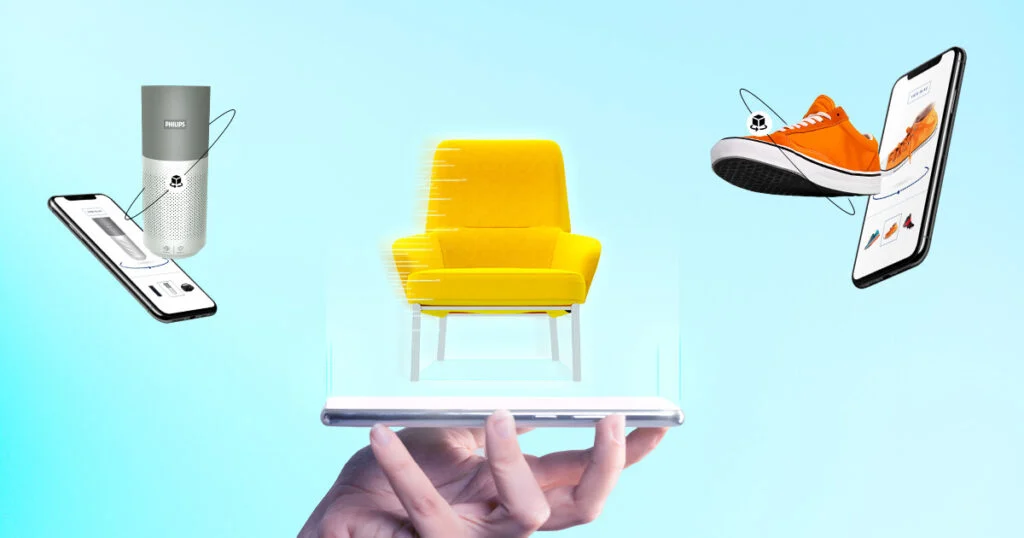
Brands are now using:
3D product configurators
AR product previews
Interactive product pages
Photorealistic product renders
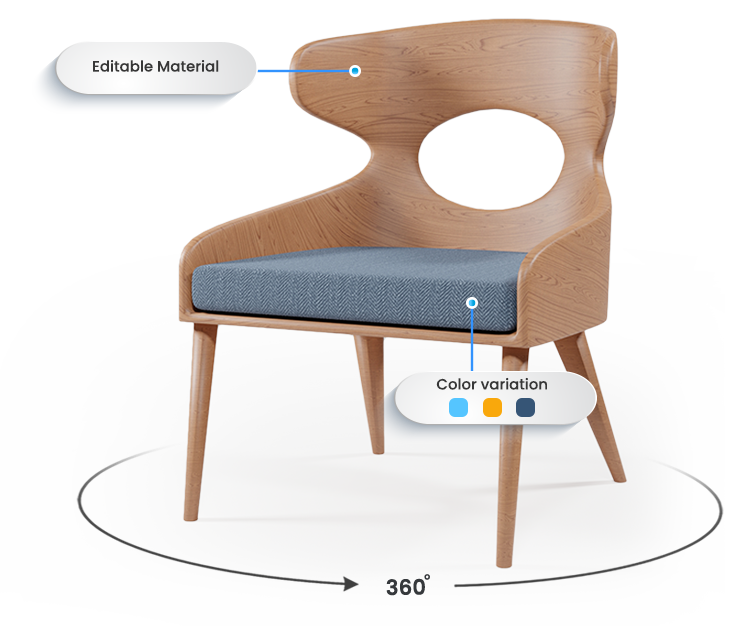
To support these features, models must be optimized for:
✔ Web performance
✔ Realistic materials
✔ AR / 3D viewers
✔ Product customization tools
✔ Interactive shopping experiences
This is why many retailers choose to convert or rebuild CAD models into e-commerce-ready assets.
Because in online retail:
The visual experience is what sells the product.
When CAD Files Can Still Be Useful
Even though CAD files aren’t ideal for visualization, they are still extremely valuable.
They can be used as:
Reference for accurate dimensions
Base geometry for rebuilding models
Design guides for 3D artists
In other words, CAD files help speed up the modeling process, but they are rarely used directly.
Frequently Asked Questions
Can CAD files be used for 3D rendering?
Yes, but they usually require significant optimization and preparation before they can be used for high-quality rendering or product visualization.
Why are CAD files so heavy?
CAD models contain extremely detailed geometry designed for manufacturing precision.
This extra detail makes them much heavier than visualization-optimized models.
Should retailers rebuild their 3D models from scratch?
It depends on the product complexity.
Sometimes converting CAD files works well, but in many cases rebuilding the model provides better results for e-commerce visuals.
Are optimized 3D models important for AR and product viewers?
Yes.
AR and interactive 3D viewers require lightweight, optimized models that load quickly on both desktop and mobile devices.
Final Thoughts
Many retailers assume their existing CAD files can be used directly for e-commerce visuals.
But the reality is that engineering models and visualization models serve completely different purposes.
To create high-quality product visuals, 3D models must be built and optimized specifically for:
Photorealistic rendering
Fast web performance
Interactive product experiences
And that’s why successful brands invest in e-commerce-ready 3D assets. See how your products can look online with photorealistic 3D-try it free.