
Traditional furniture photoshoots can cost anywhere from $500 to $3,000 per product. As your furniture catalog grows, those costs increase quickly. That is why many furniture brands are now shifting toward 3D furniture modeling.
However, most furniture retailers still feel confused about what 3D furniture modeling actually is, how it benefits their business, and which technical details matter.
After working with furniture brands across the US and UK, one thing becomes clear: teams that understand how 3D furniture models work can reduce production costs by up to 60% and launch products much faster.
In this guide, you will learn:
- The exact difference between a 3D model and a 3D render
- Which file formats work best for different platforms
- A complete vendor brief checklist to reduce unnecessary revisions
- When to use low-poly vs. high-poly models – and how pricing changes
This guide is built from real studio workflows, vendor briefs, and production conversations with furniture brands across North America and Europe. Let’s get started.
3D Furniture Model vs. 3D Render – What’s the Difference?
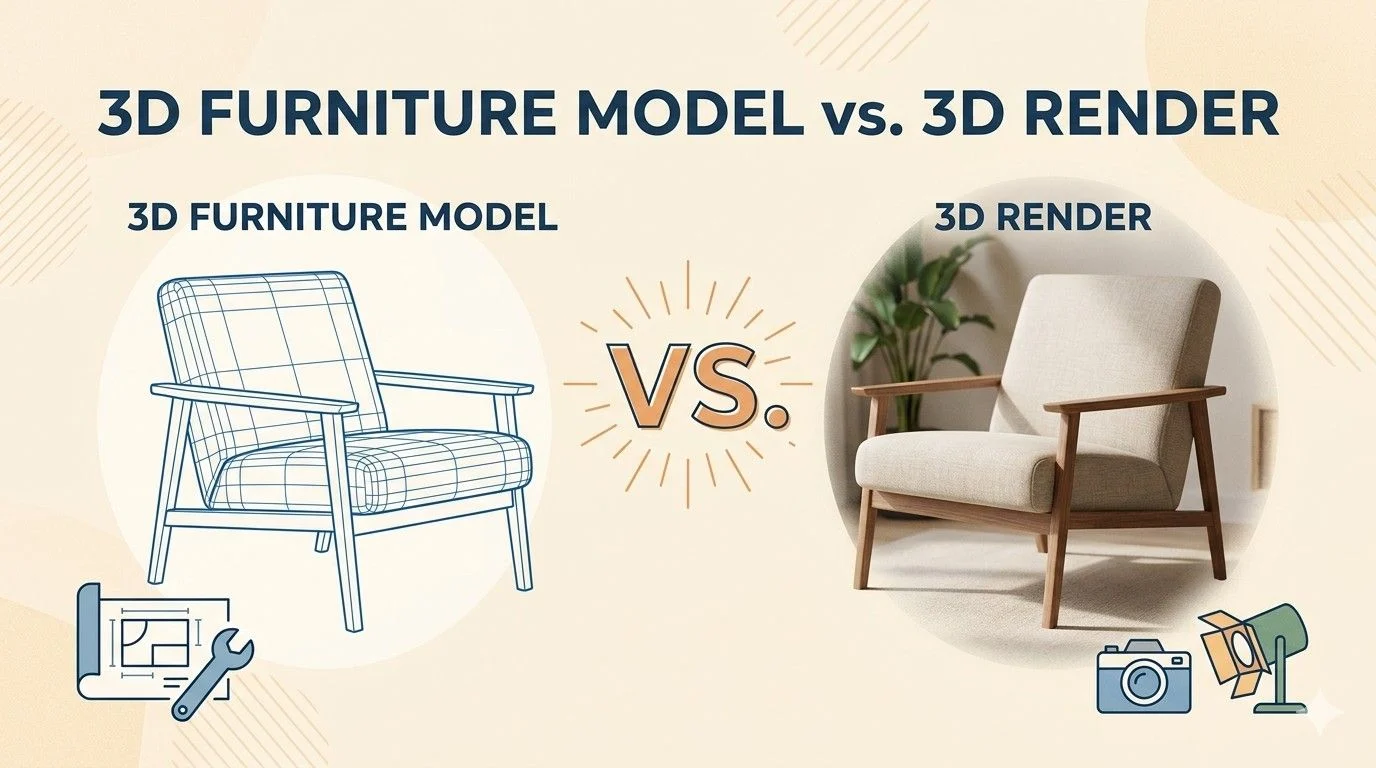
A 3D furniture model and a 3D render are closely connected, but they are not the same thing. Both are important in the furniture visualization process.
A 3D model is the digital version of a furniture product. A 3D render is the final image created from that model. One is the asset, and the other is the visual output.
Many brands mix these two up, which often leads to confusion when planning content or production.
Here is a simple breakdown:
Feature | 3D Model (The Asset) | 3D Render (The Image) |
What it is | A digital 3D object (shape, structure, materials) | A 2D image created from the 3D model |
File types | GLB, FBX, OBJ, USD | JPG, PNG, TIFF |
Reusability | Fully reusable for multiple outputs | Fixed image (one angle, one scene) |
Used for | AR, configurators, web viewers, multiple renders | Product pages, ads, catalogs |
Cost structure | Higher initial cost, long-term value | Lower cost per image |
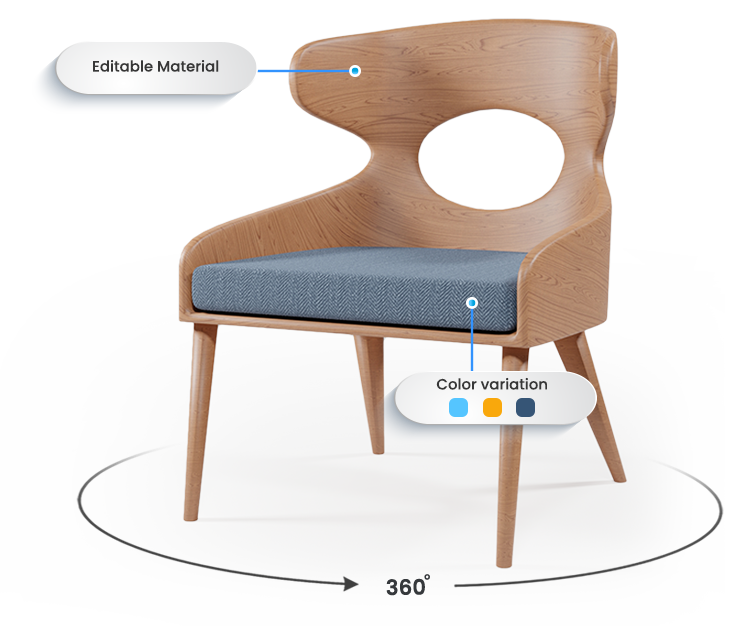
Nature | Interactive: you can move, rotate, and modify it | Static: a frozen snapshot from one angle |
Intelligence | Has structure: understands size, parts, and form | Has pixels: just a flat visual image |
Lighting | Dynamic: changes based on environment | Baked: lighting is fixed and unchangeable |
Security | Contains full product design data | Safe visual output for public use |
Purpose | Used for AR, configurators, and 3D experiences | Used for catalogs, ads, and marketing visuals |
Flexibility | Highly reusable for unlimited outputs | Limited to the created angle and scene |
Pro Tip: Think of the 3D model as the actor and the 3D render as the movie poster. One performs the work, the other sells the vision.
Why this difference matters for your business
If you only use renders, you get ready-made images from specific angles and scenes. These are great for marketing, but they cannot be easily changed or reused in interactive tools.
If you also have the 3D model, you gain a flexible asset. From one model, you can:
- Create unlimited renders from any angle
- Place the product in different environments
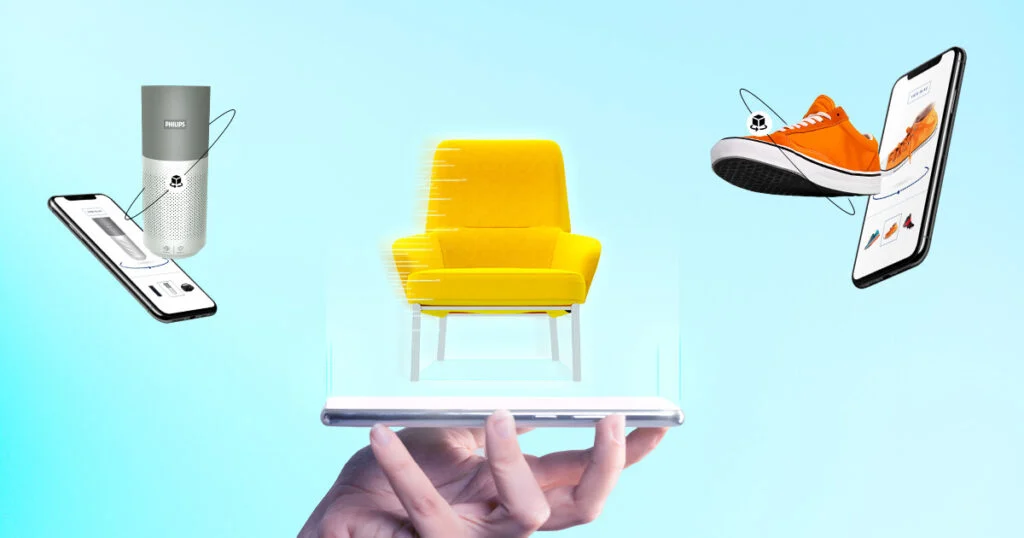
- Use it in AR (view in your room features)
- Build interactive product configurators
For furniture brands in markets like the US, UK, UAE, and Germany, both formats are valuable. Renders are perfect for marketing visuals, while 3D models give long-term flexibility and scalability.
What File Formats Do You Get from a 3D Furniture Model? (GLB, FBX, OBJ…)
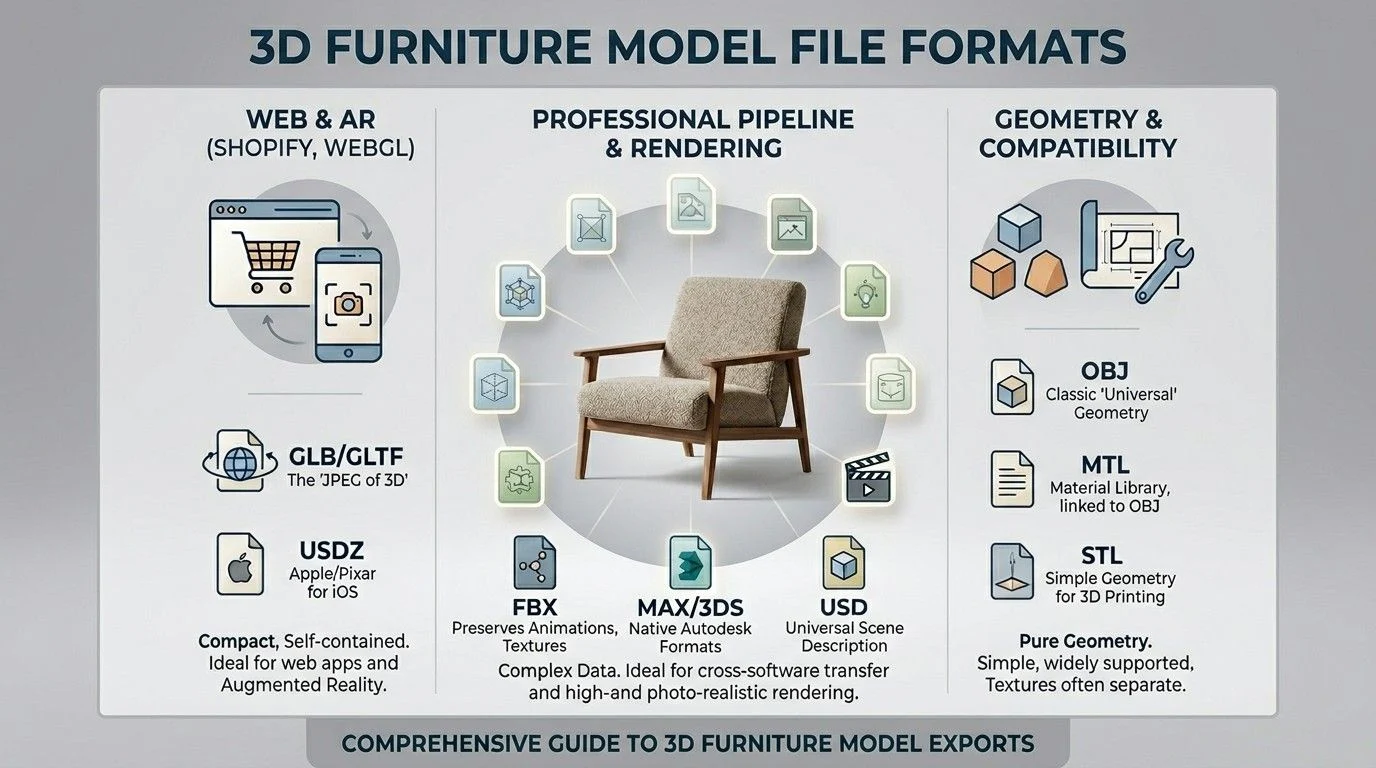
The format you need depends on where the model will be used – not personal preference. Each format serves a different platform or workflow.
Asking a vendor for “a 3D file” without specifying the format is like asking a printer for “a file” without saying PDF or Word. You’ll get something – but it may not open on your platform.
Here’s a complete breakdown:
Format | Best For | Supports Materials? | File Size |
GLB | Web viewers, AR (Android/Web) | Yes – all in one file | Small |
GLTF | Web development | Yes – separate files | Small |
FBX | Studio pipelines, Maya, 3ds Max | Yes | Medium |
OBJ | Universal geometry transfer | Partial (needs MTL file) | Small–Medium |
USDZ | Apple AR (iPhone/iPad) | Yes | Small |
BLEND | Blender native project | Yes | Large |
MAX | 3ds Max native project | Yes | Large |
Quick guide by use case:
- Product page AR feature → GLB (Android/Web) + USDZ (Apple)
- High-resolution catalog renders → FBX or OBJ
- Real-time web 3D viewer → GLB
- In-house 3D team editing → FBX or native project files
- Cross-platform delivery → Ask for GLB + FBX together
Pro Tip: Prioritize glTF/GLB for Web-First Browsing: Use the GLB format as your primary standard. It is the industry open standard that allows U.S. shoppers to rotate and zoom on products directly in their mobile browser, increasing order likelihood by up to 65%
When briefing a vendor, always state the platform first. A good vendor will recommend the format based on your use case – not just deliver the format easiest for them to export.
Click here : Read more about the importance of using the right file format.
What Information Does a Vendor Need to Create a 3D Furniture Model?
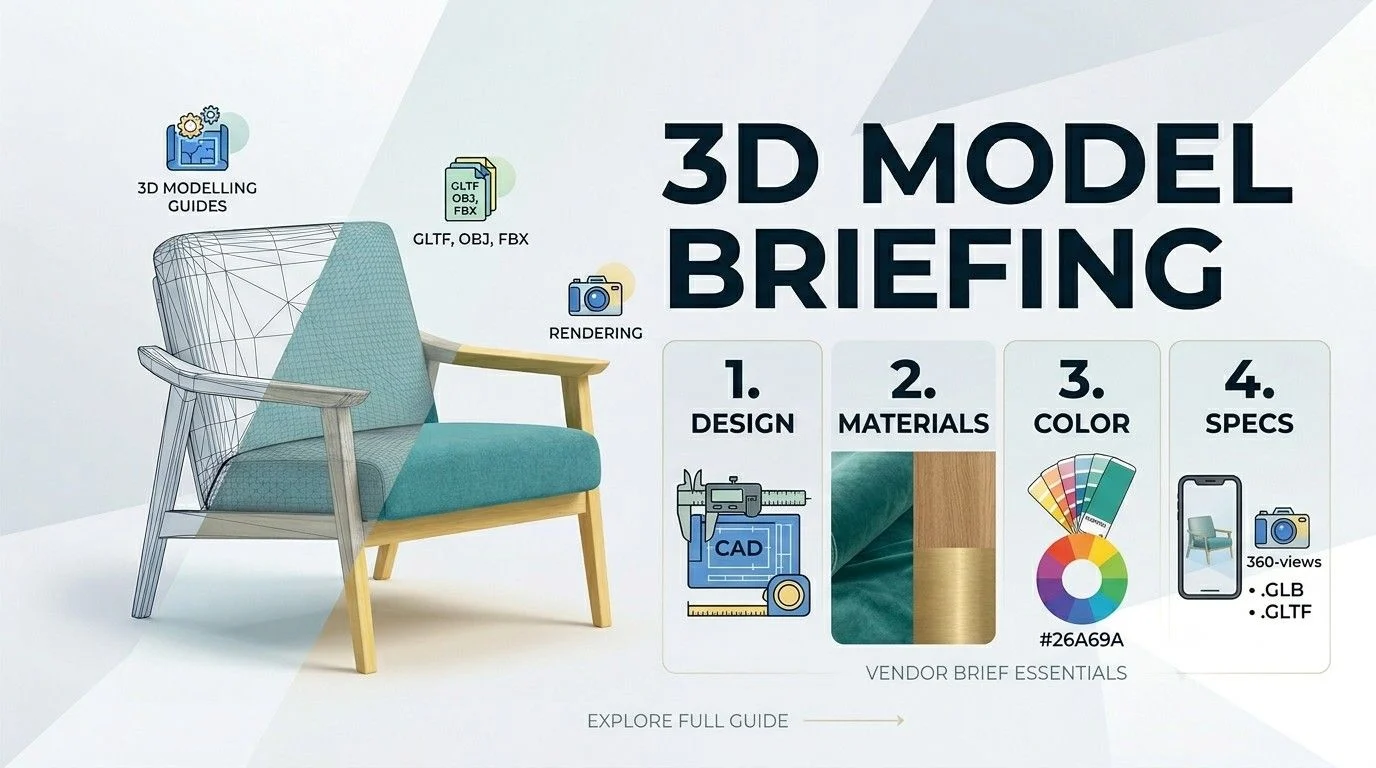
Vendors need dimensions, reference photos, material specs, and intended use case – before they start. Missing any one of these is the #1 cause of revision delays.
Here is a complete brief checklist used by professional studios:
✅ Dimensions
- Height, width, depth in mm or inches
- Leg height, seat height, arm height (for seating)
- Thickness of tabletops, cushions, shelves
- Source: Use manufacturer spec sheets – not product page listings (those are often rounded)
✅ Reference Photography
- Front, back, left side, right side views
- Three-quarter angle
- Close-ups of: joints, stitching, legs, hardware, any detail work
- Rule of thumb: minimum 8–12 reference photos for a standard furniture piece
✅ Material & Texture Specifications
- Upholstery fabric: type, weave, texture image if available
- Wood finish: matte, semi-gloss, oiled, lacquered, stained
- Metal parts: brushed, polished, powder-coated
- Leather: full-grain, corrected-grain, synthetic
- Share actual swatch scans or high-res close-up photos where possible
✅ Intended Use Case
Tell the vendor exactly where this model will be used:
Use Case | What the Vendor Adjusts |
Web AR viewer | Low poly count, optimized textures |
Print catalog rendering | High poly, detailed geometry |
Real-time configurator | Low poly + multiple material sets |
Architectural visualization | High poly, accurate light response |
✅ Color / Finish Variants
- List all variants upfront (e.g., Oak / Walnut / White)
- Building variants from one base model = 40–60% cheaper than separate models
- Must be communicated before production starts – not after
✅ Style References
- Share approved renders or photos that represent the look you want
- Visual references cut back-and-forth emails by half
Real-world stat: Studios report that briefs with complete reference packs reduce revision rounds from an average of 4.2 to 1.3 per model. A good brief is the cheapest efficiency gain in the entire workflow.
Low-Poly vs. High-Poly 3D Furniture Models – Which Do You Need?
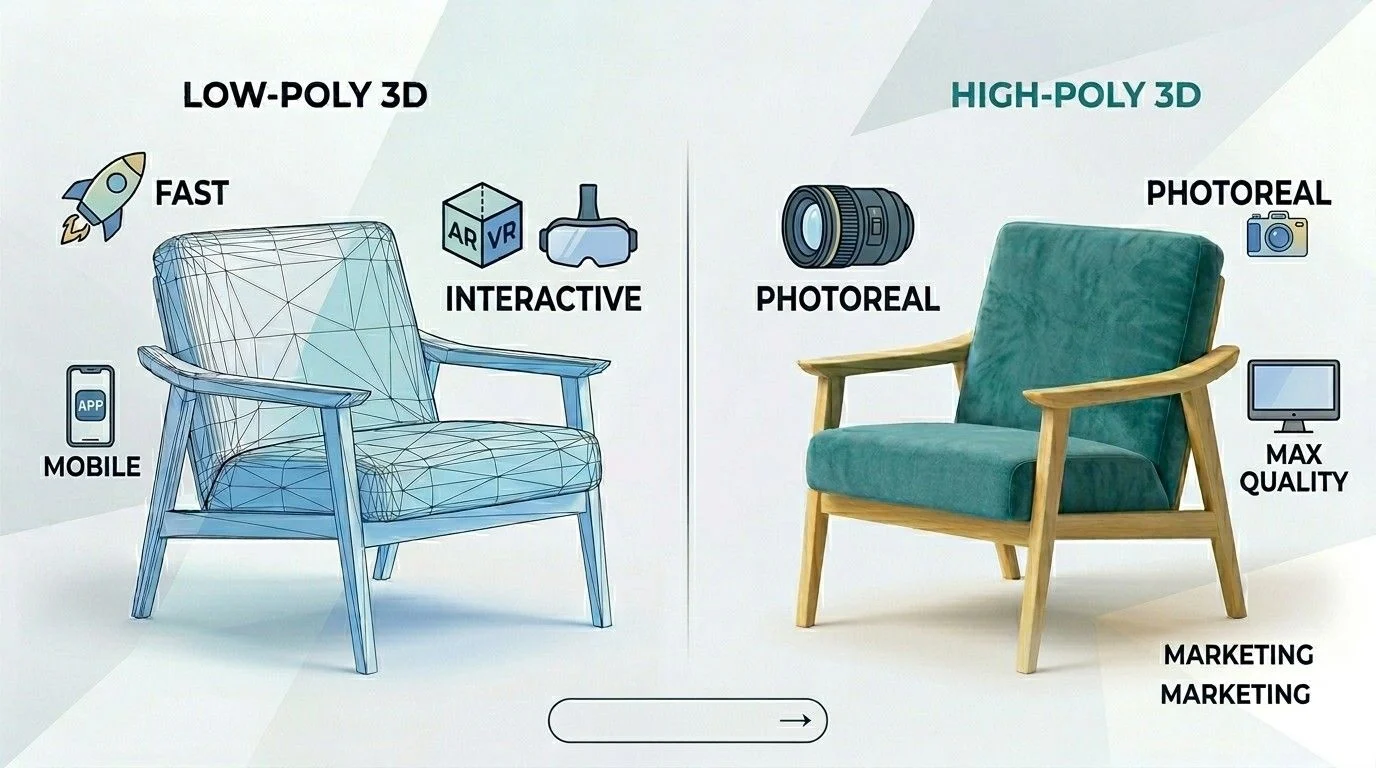
Low-poly is for real-time platforms (AR, web viewers). High-poly is for rendered images (catalogs, lifestyle shots). Choosing wrong means either a crashed browser or a blurry render.
What Is Polygon Count?
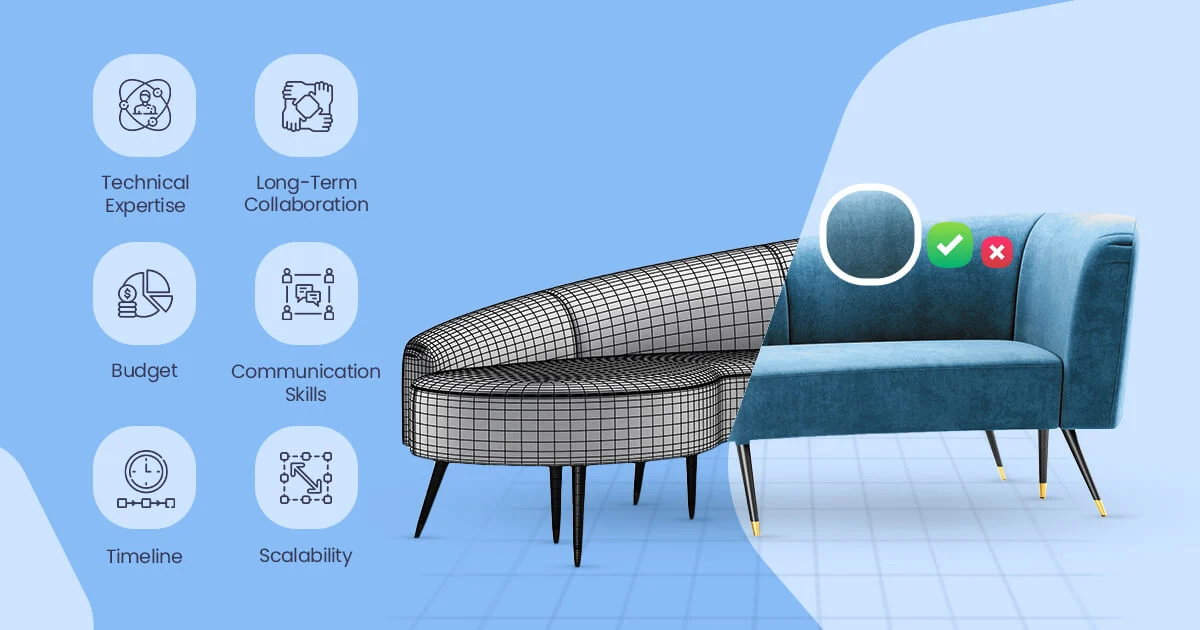
Polygon count (or polycount) means how many small shapes are used to build a 3D model.
Every 3D model is built from flat triangles called polygons. More polygons = smoother curves and more detail. Fewer polygons = faster loading and better performance.
The challenge: a realistic sofa arm curve might need 50,000+ polygons to look smooth in a render – but that same polygon count would make a web viewer crawl or crash on mobile.
Low-Poly vs. High-Poly: At a Glance
Low-Poly | High-Poly | |
Poly count range | 5,000 – 50,000 | 150,000 – 2,000,000+ |
Used for | Web viewers, AR, configurators | Offline renders, catalogs, print |
Load time | Seconds (even on mobile) | Minutes (rendering pipeline) |
Detail level | Good (uses texture tricks) | Excellent (real geometry) |
File size | Small | Large |
Cost to produce | Lower | Higher |
Hidden Comparison: Low-Poly vs High-Poly
| Concept | Low-Poly (Real-Time) | High-Poly (Master) |
|---|---|---|
| Philosophy | Visual efficiency: “If it looks right, it is right.” | Technical accuracy: “It must be mathematically detailed and precise.” |
| Lighting | Fake or baked shadows (Ambient Occlusion) for performance | Real-time or physically accurate lighting (ray tracing workflows) |
| Topology | Optimized meshes (quads or triangles) for fast performance | Dense, highly detailed mesh used for sculpting and refinement |
| Value | Best for AR, web, and mobile performance | Best for high-end renders, catalogs, and marketing visuals |
When to Use Low-Poly
Use low-poly models when your product will be:
- Displayed in a browser-based 3D viewer
- Used in an AR “place in room” feature (GLB/USDZ)
- Part of an interactive color/fabric configurator
- Shown on mobile platforms – especially critical in mobile-first markets like India, UAE, and Southeast Asia
Low-poly doesn’t mean low-quality. Studios use normal maps and texture baking to simulate surface detail that doesn’t actually exist in the geometry. A well-made 10,000-polygon sofa can look nearly identical to a 500,000-polygon version on a product page.
When to Use High-Poly
Use high-poly models when your product will be:
- Used to generate photorealistic catalog images
- Placed in architectural visualization or room scene renders
- Replacing a traditional photoshoot entirely
- Used in print marketing at large scale
The Pro Tip: Why Mid-Poly Models Are Best for Future-Proofing.
Mid-Poly is the “Master File” that sits perfectly between performance and beauty. It uses enough detail (50k–150k polygons) to keep curves perfectly smooth and edges crisp but stays light enough to run on a modern smartphone. It is the smartest investment for brands because it is future-proof: it looks premium in high-end web viewers today and can be easily converted into either a low-poly AR file or a high-poly catalog render tomorrow.
Feature | Mid-Poly (The “Sweet Spot”) |
Poly Count | 50,000 – 150,000 |
Best For | High-end web viewers & modern smartphones. |
The “Pro” Edge | Holds a smooth silhouette without the heavy file size. |
Strategy | Build once; export “down” for AR or “up” for Renders. |
Vibe | Looks like a photo, but still moves like a game. |
Pro Tip: Use Mid-Poly for hero products on your homepage where you want “Apple-level” quality without the site crashing.
Can You Get Both?
Yes – and this is the smart approach. Many studios offer a LOD (Level of Detail) workflow:
- Build one master high-poly model
- Optimize it down to a low-poly version
- Deliver both with matched materials
This workflow costs roughly 30–50% more than a single model – but gives you one asset that works everywhere.
Data point: According to industry benchmarks, e-commerce brands that use AR product visualization see a 94% higher conversion rate compared to standard product images (Shopify, 2023). That result requires a well-optimized low-poly model – not just any 3D file.
Conclusion
We’ve seen furniture brands lose weeks – and thousands of dollars – because their vendor received an incomplete brief, or because they ordered renders when they needed a reusable model asset.
The brands that move fastest in markets like the US, UK, UAE, and Australia are the ones who treat the 3D model as infrastructure, not just a visual deliverable.
Get the format right for your platform. Brief your vendor with the complete checklist above. Decide on poly count before production begins. Those three decisions eliminate 80% of the delays we see in 3D furniture projects.
Ready to experience it in action? Get a free trial and see how a properly built 3D furniture model can speed up your workflow and reduce production errors.
Frequently Asked Questions
Can one 3D furniture model work for both AR and catalog rendering?
Not with the same file. AR needs a low-poly, optimized model; rendering needs high-poly detail. The most efficient approach is an LOD workflow where studios produce both from one master asset.
How long does it take to create a 3D furniture model?
A standard piece typically takes 3–7 business days. Complex items with tufting, carved details, or multiple variants may take 10–14 days.
What polygon count should I request for a Shopify 3D viewer?
Keep it under 50,000 polygons with texture files at 2K resolution or lower. Shopify’s AR Quick Look feature recommends models under 20MB total.
Do I own the 3D model files after delivery?
It depends on your contract. Always confirm in writing whether you receive full IP rights to source files – not just exported deliverables.
What if I don’t have exact product dimensions?
Some vendors can estimate from reference photos, but accuracy drops. Always pull dimensions from manufacturer spec sheets rather than product listings.
Is USDZ or GLB better for AR furniture shopping?
Both – they serve different ecosystems. GLB works for Android and web-based AR. USDZ is required for Apple’s ARKit on iPhone and iPad. For full coverage, request both formats.
What does “texture baking” mean in low-poly modeling?
Texture baking transfers surface detail from a high-poly model onto a flat texture image, which is then applied to a low-poly model. This makes a simple model look detailed without the polygon cost.
Which countries have the highest AR furniture shopping adoption?
The US, South Korea, UAE, and Australia currently show the highest rates of AR product interaction in furniture e-commerce – making optimized low-poly models a priority for brands targeting those markets