
You’re spending on product renders, but you don’t know which type is actually moving revenue. After working with 35+ eCommerce brands across furniture and eCommerce products, the white background vs. lifestyle renders debate surfaces every single time.
We’ve seen conversion rates jump 18–30% just by placing the right render type in the right gallery slot. No listing rebuild. No price cuts. Just the right visual in the right position.
In this guide, you’ll get:
- A real $5K monthly revenue scenario, broken down step by step
- A full pros & cons breakdown for each render type
- Platform rules for USA and European marketplaces in one table
- 2026 pricing benchmarks and a simple ROI formula
- Future trends reshaping how brands create product visuals
Built from A/B test data, 2026 render pricing benchmarks, and conversion research across 2.3M+ product listings.
What Are White Background Renders and Lifestyle Renders?
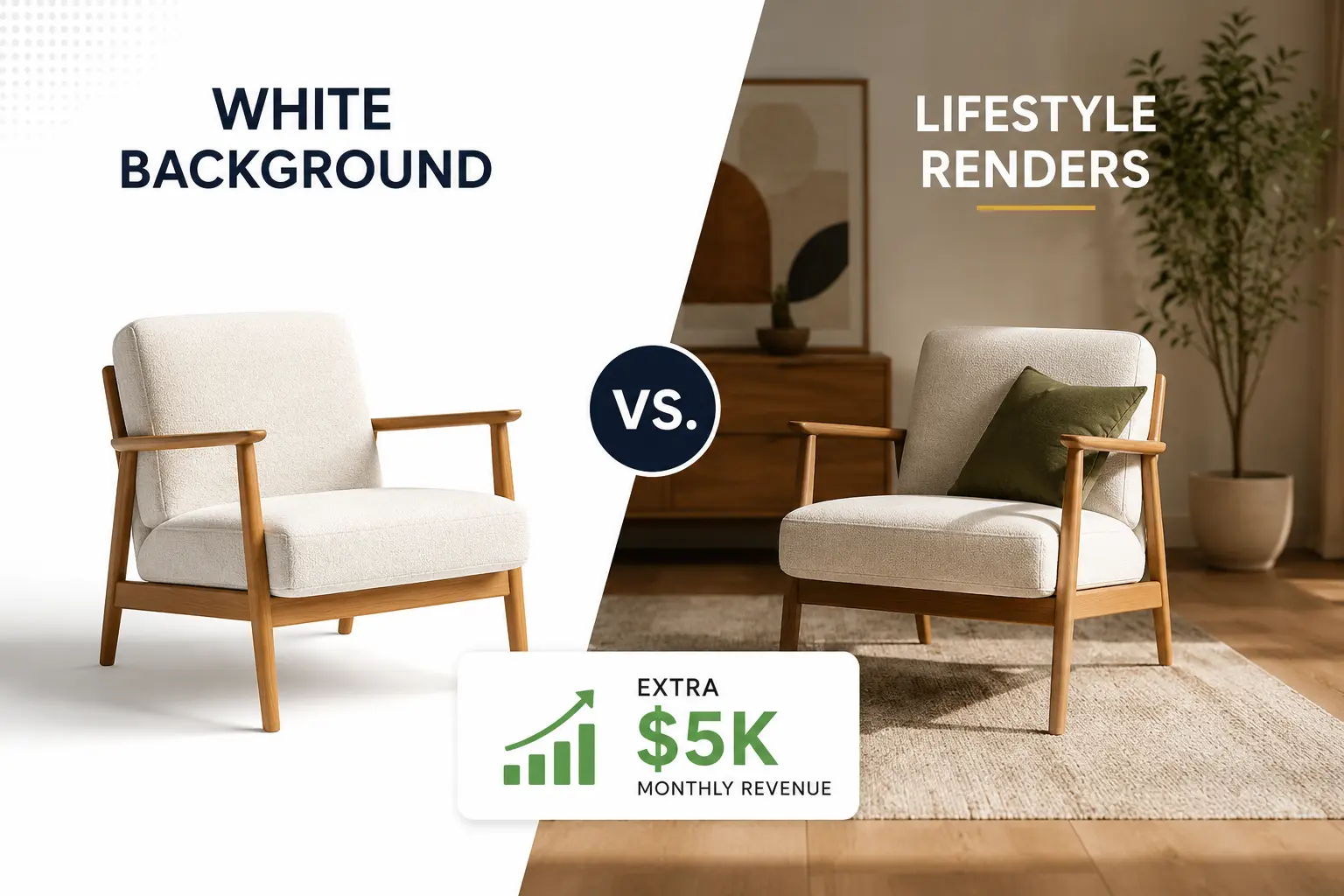
White background renders are clean, studio-style 3D product images shown on a plain white background to highlight the object clearly without distractions.

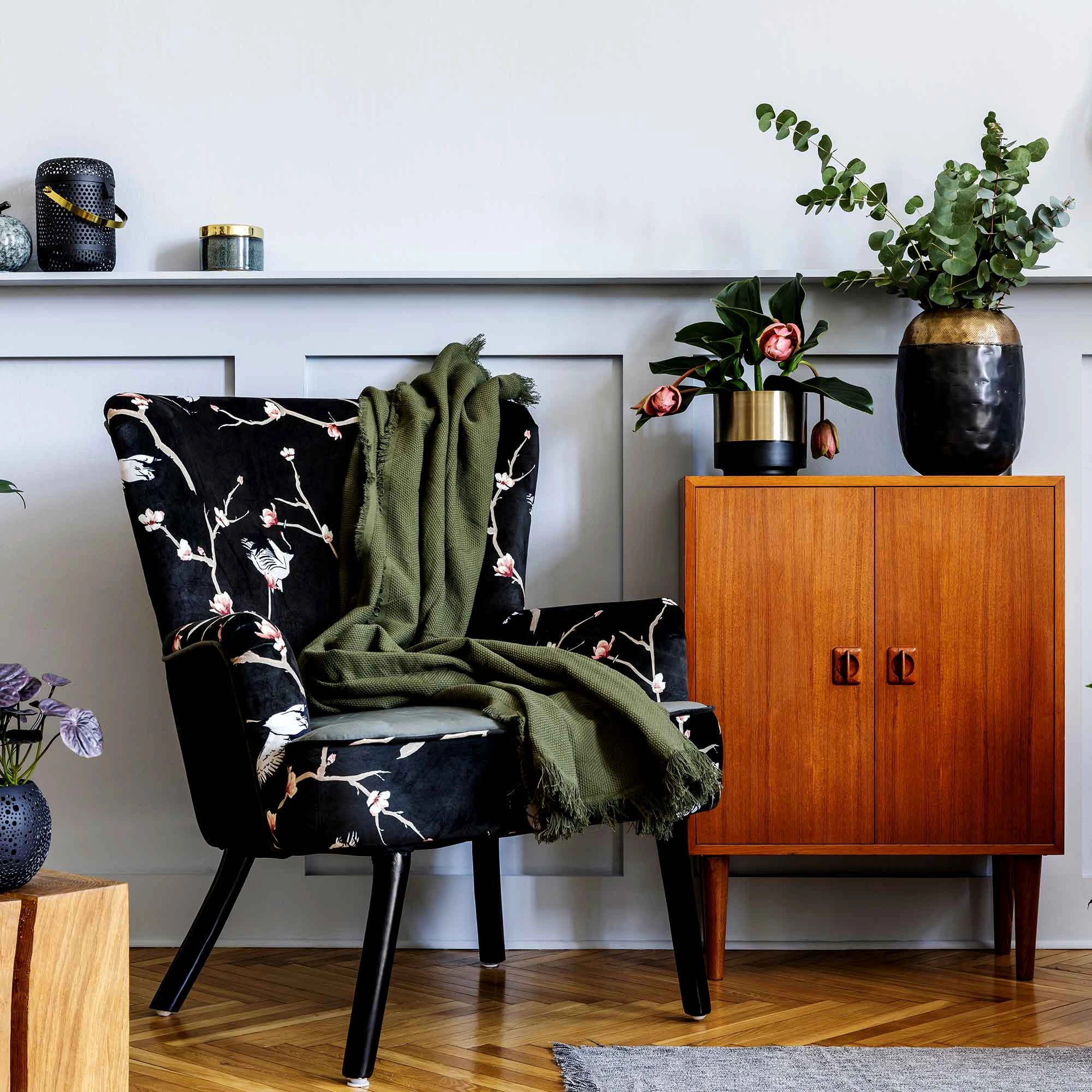
Lifestyle renders place the product in a real-world scene (like a room or environment) to show how it looks and feels in use.
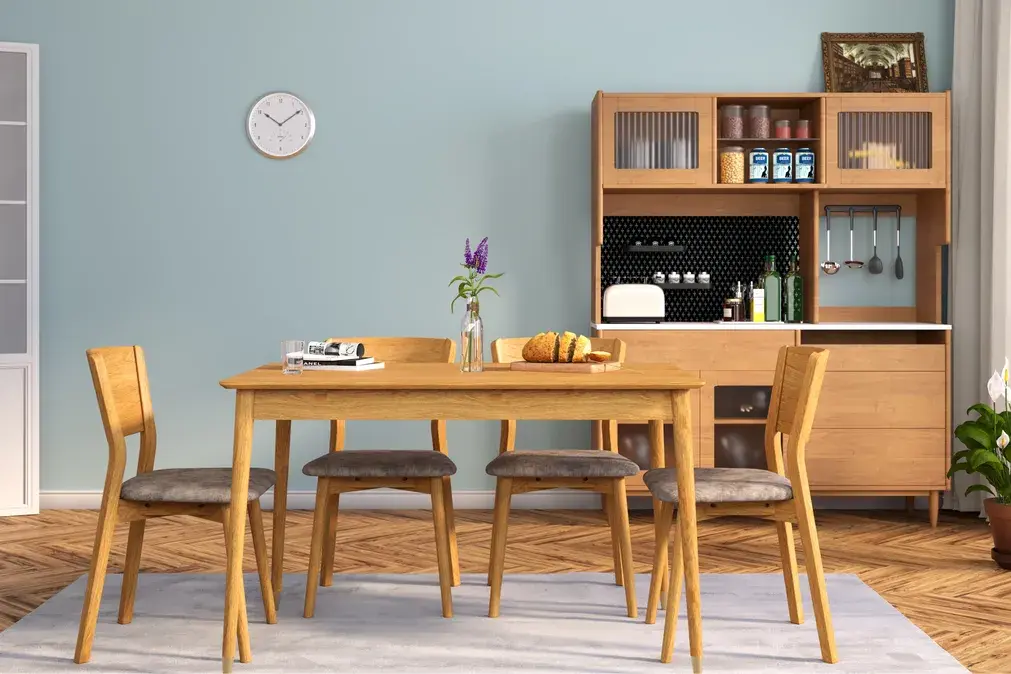
Most sellers use these terms loosely and end up deploying both types in the wrong places. Here are the exact definitions.
White Background Renders
- Product on a pure white backdrop (RGB 255, 255, 255)
- No props, no scene, no visual distractions
- Also called: silo shots, packshots, studio renders
- Primary use: Amazon main images, catalog grids, marketplace listings
- Core purpose: Answers “What exactly is this product?”
Lifestyle Renders
- Product placed inside a styled real-world scene (bedroom, kitchen, outdoor space)
- The goal is emotional; it helps buyers picture the product in their own life
- Also called: roomsets, context renders, interior renders
- Primary use: Gallery slots 2–8 on Amazon, Shopify hero sections, Meta/Instagram ads, Pinterest
- Core purpose: Answers “Do I want this in my life?”
White Background vs. Lifestyle Renders: Side-by-Side Comparison
Feature | White Background | Lifestyle Render |
Purpose | Show product specs clearly | Create emotional connection |
Amazon Main Image | Required | Not allowed |
Gallery Images | Works | Best performer |
Shopify Hero | Works | Recommended |
Meta / Instagram Ads | Low performance | Scroll-stopper |
Weak | Dominant format | |
Cost (per image) | $100–$400 | $300–$2,500 |
Conversion Impact | Compliance + click | Emotional close |
Return Rate Risk | Low (specs are clear) | Moderate (if scale not shown) |
Production Speed | Fast | Moderate–Slow |
AI Generation Quality | High | Improving |
Pros and Cons: White Background Renders
Pros :
- Marketplace compliant meets Amazon, Walmart, OTTO, and all major platform rules
- Scan-friendly, clean thumbnails increase CTR in category grids
- Spec clarity shows exact color, material, dimensions, and finish
- Lower cost: $100–$400 per image vs. $300–$2,500 for lifestyle
- Faster to produce fewer variables, simpler 3D setup
- Reduces return risk; buyers know exactly what they’re getting
- Works for all product types, no category limitations
Cons:
- Zero emotional engagement doesn’t show the product “living” anywhere
- Low social ad performance white background images underperform in paid social
- Gallery fatigue: multiple white images in a row answer the same question repeatedly
- Leaves conversion on the table; buyers who aren’t emotionally engaged bounce
Pros and Cons: Lifestyle Renders
Pros:
- Drives emotional purchase decisions: buyers see the product in their world
- Strong conversion lift: 10–30% uplift in A/B tests vs. white-background-only
- Mobile-first impact: fills the full screen on phones with visual context
- Social media ready: dominant on Meta, Instagram, and Pinterest
- Reduces returns: scale references and context prevent “looks different in person”
- Scene reuse : one styled room can host 5–10 different products
Cons:
- Not allowed as Amazon’s main image listing suppression risk
- Higher cost: 2–3x more expensive than white background renders
- Slower production scene setup, lighting, and props add complexity
- Can obscure details product dimensions and materials less visible
- AI quality gap: AI-generated lifestyle renders still trail professional CGI for premium products
The Revenue Question: Which Type Moves the Needle?
Key Conversion Data
Data Source | Finding |
DTC A/B Tests (aggregated) | Lifestyle renders drive 10–30% conversion lift vs. white-only |
DTC mobile benchmark | Lifestyle won by 18% on mobile across 20 products |
Amazon A+ Content electronics | +17% PDP conversion lift with lifestyle imagery |
Amazon A+ Content pet treats | +32% PDP conversion lift with lifestyle imagery |
Catchlab (2.3M listings) | 5+ images convert 50% higher than single-image listings |
BigCommerce | Pages pairing both render types convert up to 20% higher |
The $5K Monthly Revenue Scenario
Brand: Furniture seller on Shopify + Amazon Product: $250 sofa Starting point: 100 orders/month = $25,000 revenue
Action | Result |
Baseline (white background only) | 100 orders = $25,000/month |
Add lifestyle renders to gallery slots 2–5 | +18% conversion = 118 orders = $29,500/month |
Run lifestyle renders in Meta ads | +2–5% ROAS improvement |
Combined effect | +$5,000+/month uplift |
Key insight: White background renders got the click. Lifestyle renders in the gallery closed the sale.
Platform-by-Platform Rules: USA and Europe
USA Marketplaces
Platform | Main Image Rule | Gallery Freedom |
Amazon US | Pure white (RGB 255,255,255), 85% fill, 1,000px min | Full freedom lifestyle allowed |
Walmart US | Pure white, ~85% fill | Clean backgrounds preferred |
Shopify DTC | No requirements | Full creative freedom |
eBay US | White recommended, 500px min | No strict restrictions |
Etsy US | No requirements | Lifestyle often outperforms |
Europe Marketplaces
Platform | Main Image Rule | Gallery / Lifestyle |
Amazon UK / DE / FR / IT / ES | Same as Amazon US pure white | Lifestyle allowed in gallery |
OTTO (Germany) | Clean, neutral background required | Lifestyle allowed in gallery |
Zalando (EU) | Clean studio shot preferred | Lifestyle accepted via brand portal |
Cdiscount (France) | White or neutral strongly preferred | Lifestyle acceptable in supplements |
ASOS (UK) | On-model lifestyle is the standard | White background rarely used |
European insight: Fashion-first platforms like ASOS actively prefer lifestyle as the primary image, the opposite of Amazon’s rules. Know your platform before building your render set.
Product Category Matrix Which Render Type Wins Where?
Product Category | White Background Priority | Lifestyle Priority | Notes |
Furniture & Home Décor | Required (Amazon/Wayfair) | Highest ROI of any category | One scene hosts multiple SKUs |
Electronics & Gadgets | Primary (60%) | Secondary in-use shots (40%) | Ports, specs, and dimensions matter most |
Apparel & Accessories | Color variants + thumbnails | Dominant on-model wins by 20–30% | Social ads require lifestyle |
Health, Wellness & Personal Care | Label + compliance imagery | Morning/self-care scenes drive emotion | Lifestyle triggers the purchase impulse |
Outdoor & Sporting Goods | Spec comparison + multi-SKU | Primary sales driver | Product in environment = essential |
2026 Render Pricing Cost Breakdown
What Each Render Type Costs
Render Type | Freelancer Rate | Agency Rate |
White background (per image) | $100–$200 | $250–$400 |
Lifestyle simple scene (per image) | $300–$500 | $600–$800 |
Lifestyle full interior / room scene | $800–$1,500 | $1,500–$2,500 |
Full eCommerce package (angles + lifestyle) | $800–$2,000 | $2,000–$3,500 |
Color variant (from existing 3D model) | 20–40% of base price | Same |
The Reuse Advantage Where the Math Shifts
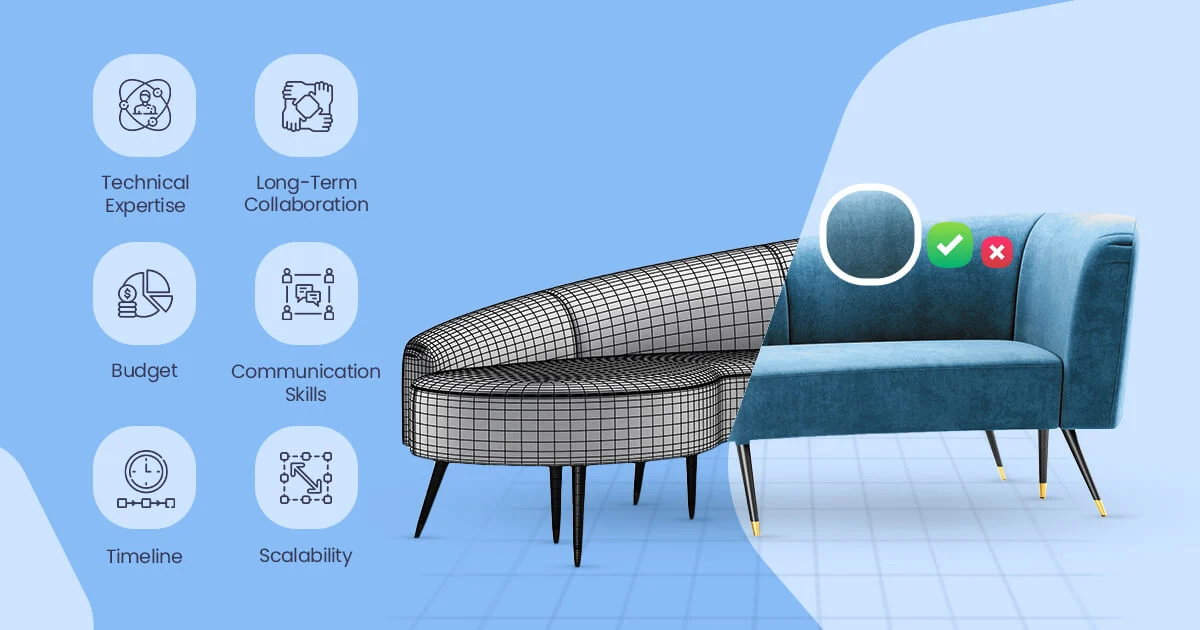
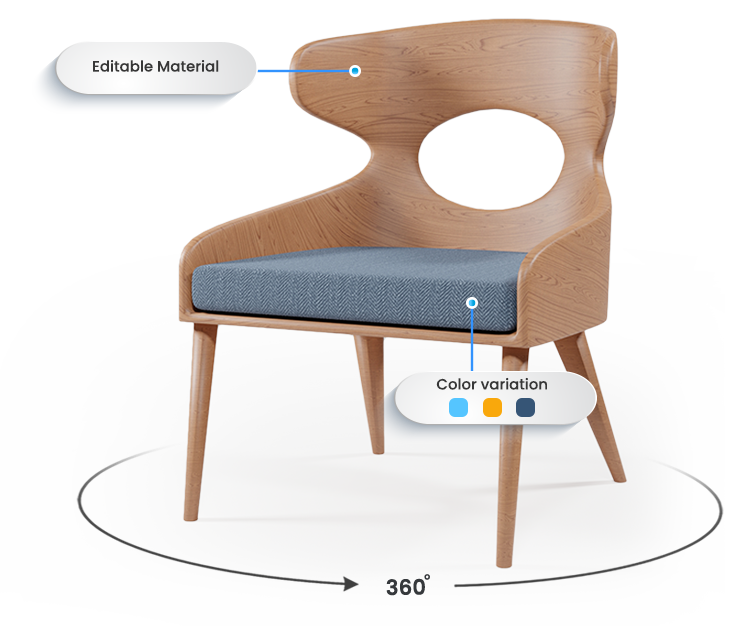
- One 3D model → multiple outputs: white background images, lifestyle renders, 360° spin, AR files, color variants all from the same base asset
- Color variants cost 20–40% of the original render price not a full reshoot
- One lifestyle scene serves 5–10 SKUs cost per image drops sharply at scale
- CGI vs. traditional photography: brands report 30–90% cost savings using CGI over a full catalog
ROI Calculation Framework
Formula:
(Monthly lift in orders × Average order value) ÷ Cost of lifestyle renders = Payback period in months
Example:
- Lifestyle renders: $1,500 for 5 products
- Monthly lift: +18 orders × $250 AOV = +$4,500/month
- Payback period: less than 1 month
Rule: If lifestyle render cost < one month’s conversion lift in revenue → it’s a profitable investment.
Read: How Furniture 3D Modeling Works: 7 Proven Ways to Boost Sales & Revenue in 2026
The Gallery Sequence Strategy Where to Place Each Render
The 5-to-8 Image Framework
Slot | Render Type | Purpose |
Image 1 (Hero) | White background | Compliance + scan-ability + trust |
Images 2–3 | Lifestyle renders | Emotional context + scale reference |
Images 4–5 | Detail / close-up renders | Materials, texture, finish |
Images 6–7 | Infographic / feature callout | Dimensions, key specs |
Image 8 (optional) | 360° render or lifestyle variation | Final visual push |
Channel Deployment Guide
Channel | Recommended Render Type |
Amazon main image | White background (mandatory) |
Amazon gallery slots 2–9 | Lifestyle renders |
Shopify / DTC hero | Test lifestyle no compliance risk |
Meta / Instagram ads | Lifestyle renders |
Lifestyle renders | |
Google Shopping | White background |
Email retargeting | Lifestyle first, white background support |
Future Trends: Where Product Renders Are Heading in 2026 and Beyond
The white background vs. lifestyle renders decision is getting more complex and more powerful as new technologies reshape how brands create product visuals.
1. AI-Generated Lifestyle Renders Are Closing the Quality Gap Fast
- Tools like Nextech3D.ai, Photta, and Rewarx now generate styled lifestyle backgrounds from white background images in minutes
- Cost: a fraction of traditional CGI production
- Current limitation: AI lifestyle renders don’t yet match hand-crafted CGI for premium or luxury products
- Best use now: testing new scene concepts cheaply before committing to full CGI production
- Trajectory: mid-market quality expected to reach professional CGI standards by 2027
2. AR (Augmented Reality) Renders Are Becoming a Third Format
- Major retailers Amazon, IKEA, Wayfair now support AR product previews directly in listings
- AR renders let shoppers place the product in their actual room via mobile camera
- Built from the same 3D model used for white background and lifestyle renders
- Impact: AR-enabled listings report 35% lower return rates (Shopify data)
- Brands building 3D models today are pre-positioned for AR without additional production cost
3. Personalized Lifestyle Renders Based on Buyer Location and Profile
- AI platforms are beginning to generate location-specific lifestyle contexts
- A sofa listing can dynamically show a Scandinavian interior for a Nordic buyer and a New York loft for a US buyer
- Still early-stage, but already in use by enterprise brands on DTC platforms
- Implication: lifestyle render libraries will need to scale geographically
4. Short-Form Video Renders Are Replacing Static Lifestyle Images in Ads
- Meta and TikTok ad data shows video renders outperforming static lifestyle images by 25–40%
- 3D models can now generate animated turntables and in-scene video renders without traditional video production
- Investment signal: brands building 3D model libraries now are also building future video ad assets
5. White Background Remains the Compliance Foundation That Won’t Change
- Marketplace requirements for pure white main images are not going away
- If anything, Amazon’s image compliance enforcement is tightening
- White background renders are the stable, non-negotiable base of any render strategy
How to Build Your Render Strategy in 5 Steps
Step 1: Audit your current imagery
- Does every SKU have a compliant white background hero?
- Do your top 20% of products have at least one lifestyle render in the gallery?
- Are your paid ads running white background images? (If yes, switch immediately.)
Step 2: Prioritize by revenue
- Sort catalog by revenue contribution
- Assign lifestyle render budget to top performers first
- Use white background renders for cost-efficient full-catalog coverage
Step 3: Build a scene library, not product-by-product renders
- Create 2–3 lifestyle scenes per category that can host multiple SKUs
- Reuse approved scenes per-image cost drops as more products share the same scene
Step 4: A/B test before scaling
- Test white-background-only vs. white + lifestyle gallery on top SKUs
- Measure: add-to-cart rate, conversion rate, time on page, return rate
- Minimum: 7 days per test, 100+ conversions per variant
Step 5: Deploy by channel, not by product
- Marketplace main image → always white background
- Marketplace gallery → always lifestyle + detail renders
- DTC hero → test lifestyle
- Paid social ads → lifestyle renders only
- Email retargeting → lifestyle first, white background support
Final Verdict
We’ve tracked this across 35+ of eCommerce brands, and the pattern is consistent: lifestyle renders drive the conversion lift, and white background renders lay the compliance foundation that makes the click possible.
The $5K monthly revenue gap doesn’t close by choosing one render type over the other. It closes by using both in the right slot, on the right channel, at the right stage of the buyer journey. Brands still running white-background-only galleries on Shopify while their Amazon gallery slots sit empty are leaving that revenue uncollected every single month.
Start with your top five SKUs. Check whether they have lifestyle renders in gallery slots 2 and beyond. If they don’t, that’s where your $5K is sitting, and it’s a 30-day payback problem, not a budget problem.
Start optimizing your product or furniture visuals today with Orbe3D’s free trial and see how the right mix of lifestyle and white background renders can unlock higher conversions and that missing $5K+ monthly revenue gap.
Frequently Asked Questions
What is the difference between a silo shot and a lifestyle render?
A silo shot (also called a packshot) shows the product on a pure white background with no context. A lifestyle render places the product inside a styled real-world scene to create emotional resonance and scale reference.
Can lifestyle renders be used as the Amazon main image?
No. Amazon requires a pure white background (RGB 255, 255, 255) for all main images. Lifestyle renders belong in gallery slots 2–9 only.
How many lifestyle renders does a product listing actually need?
Two to three lifestyle renders per SKU is sufficient for most categories. Furniture and large home décor items benefit from three to five renders showing different angles and room contexts.
Do 3D CGI renders perform as well as real photography?
Yes and often better. CGI offers precise control over lighting, color accuracy, and scene composition that is difficult to replicate in a traditional photoshoot, particularly for color variant shoots.
What image resolution should I request for eCommerce renders?
Request 2,000px or higher on the longest side for Amazon zoom functionality. For social ads and print, 3,000px to 4,000 px is the safe standard.
Do lifestyle renders directly improve SEO rankings?
Not directly; search engines don’t read image content the way they read text. Indirectly, yes: better lifestyle renders reduce bounce rates and improve time-on-page, which are behavioral signals that can support organic rankings over time.
Is it worth investing in A+ Content or lifestyle gallery renders first?
Build your gallery lifestyle renders first. They are seen before A+ Content as buyers scroll the listing, and they typically deliver faster ROI. A+ Content amplifies a listing that already converts. it doesn’t rescue one that doesn’t.